Get the screen right before buying anything else
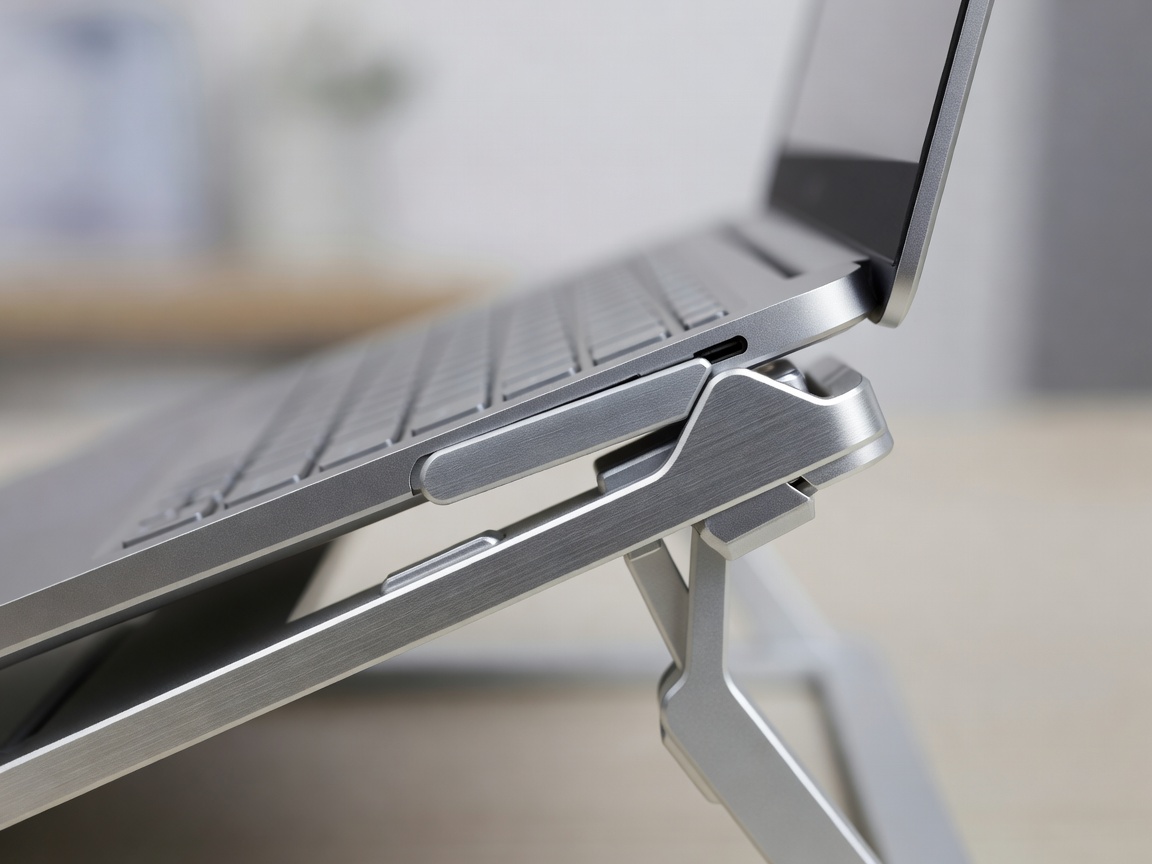
Most neck and shoulder discomfort at home desks comes from looking down at a laptop. Guidance from the UK Health and Safety Executive and the US Occupational Safety and Health Administration agrees on the basics: the top of the screen should sit at or slightly below eye level, roughly an arm's length away, directly in front of you rather than off to one side.
For laptops, that means raising the screen and adding a separate keyboard and mouse. For external monitors, it means a stand, riser or arm that lets you set height, depth and tilt independently. Dual-screen users should place the main screen centrally and the secondary screen angled alongside, or both meeting at the centre if used equally.
Choosing a monitor arm
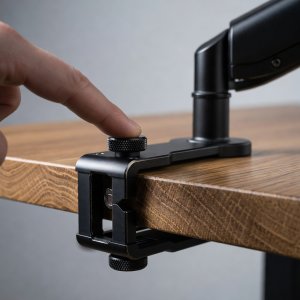
Check three things. First, your monitor must have a VESA mounting pattern — usually 75×75 mm or 100×100 mm under the VESA Mounting Interface Standard. Second, the arm's weight rating must cover your screen, ideally with headroom. Third, your desk needs a solid edge for a clamp or a hole for a grommet mount; glass and thin honeycomb tops are risky.
Gas-spring arms such as the Ergotron LX move smoothly and hold position with a light touch. Cheaper mechanical arms are fine if you set the screen once and leave it. Ultrawide and heavy curved monitors need arms specifically rated for them, as standard springs will sag.
Accessory picks by category
Monitor arm
Ergotron LX. Smooth gas spring, long reach, decade-long track record. Budget alternative: Amazon Basics single arm, which shares a similar design.

Mouse
Logitech MX Master 3S. Sculpted, quiet, excellent scrolling. For wrist pain, try the Logitech Lift vertical mouse.

Keyboard
A low-profile, compact layout. Dropping the number pad brings the mouse closer and keeps the shoulder neutral.
Lighting
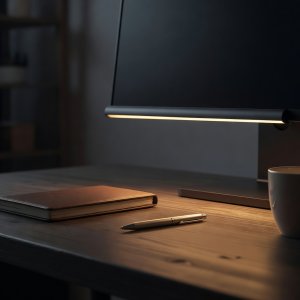
BenQ ScreenBar. Lights the desk without glare on the screen and frees space a lamp would use.
Desk organisers and cable management
Clutter is not merely cosmetic. Items scattered across the surface push the keyboard forward and the mouse outward, which drags the arms away from the body. A tidy desk keeps the most-used items within the comfortable reach zone — roughly the sweep of your forearms with elbows at your sides.
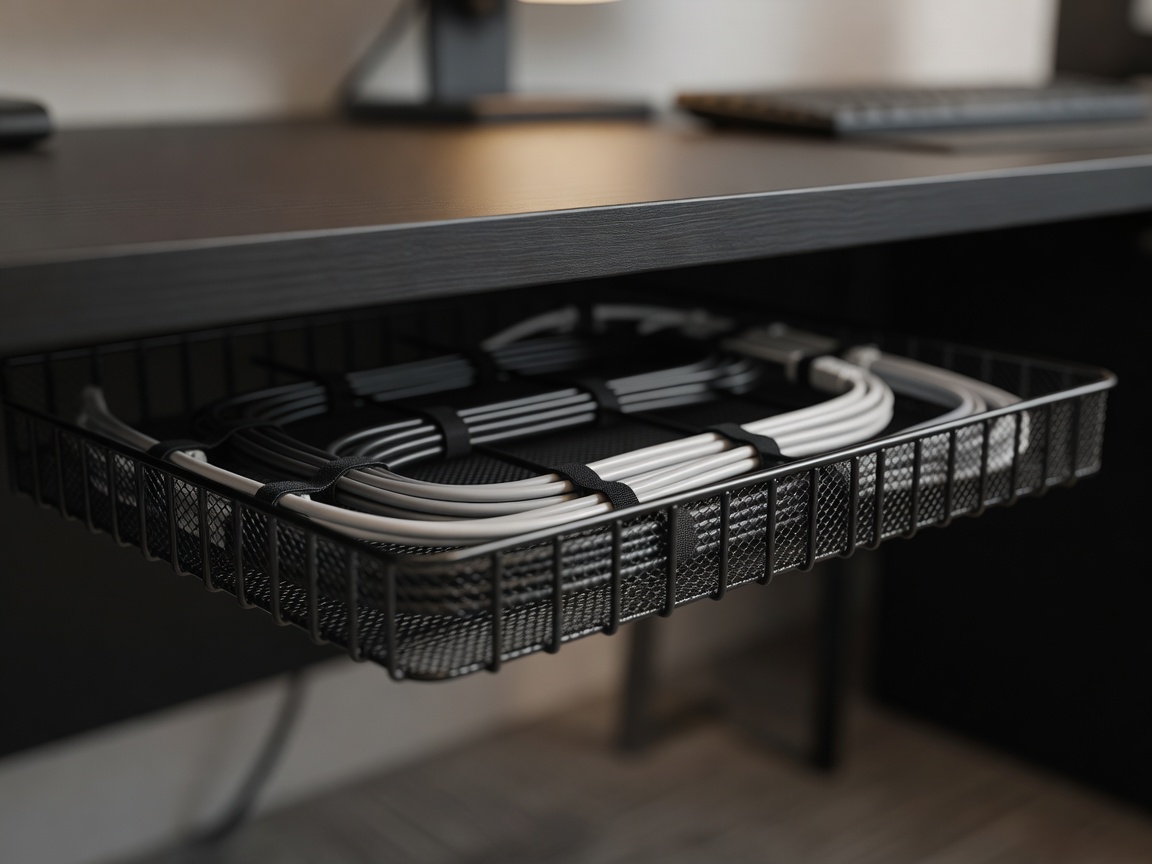
- Under-desk cable tray. The single most effective tidy-up, especially on standing desks where cables must move with the frame.
- Desk shelf or monitor riser with storage. Lifts the screen and creates a home for notebooks and chargers.
- Wooden organisers such as those from Grovemade look good, but a plain tray does the same job.
- Headphone hook and charging hub. Small items that remove the most frequent desk clutter.
What to buy first
If you work from a laptop, the best value purchase in this whole guide is a riser plus an external keyboard and mouse, often available together for far less than a good chair. Next comes a monitor and arm, then lighting, then organisation. Webcams, microphones and docking stations matter for meetings, but they do little for comfort.
Spread larger purchases out and judge each one after a fortnight of use. For a complete spending plan by budget level, see our layouts and budget guide.