What actually makes a chair ergonomic
"Ergonomic" is printed on almost every office chair box, which makes the word close to meaningless. What matters is whether a chair can be adjusted to support you in a neutral posture: feet flat, thighs roughly level, lower back supported, shoulders relaxed and forearms resting lightly. A chair that does this for one person may fail completely for someone 20 cm taller.
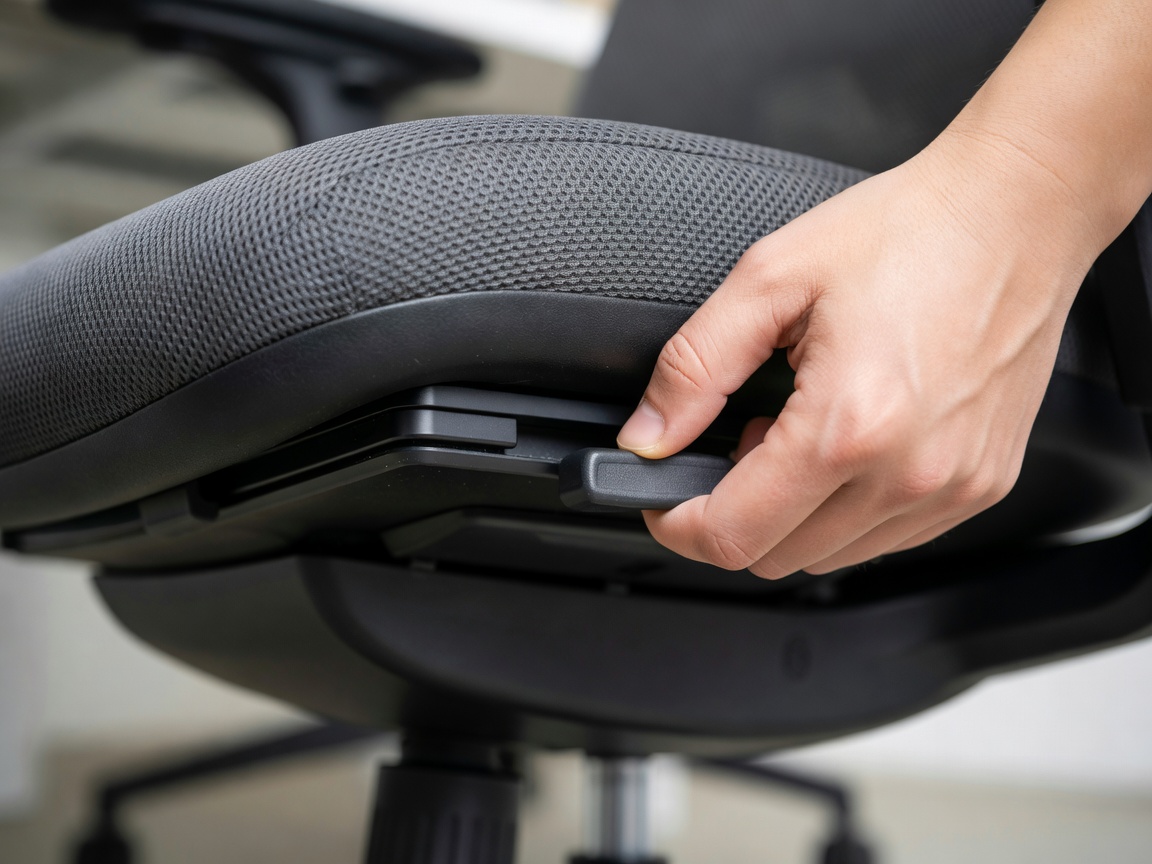
We judge chairs on five adjustments: seat height, seat depth, lumbar position, armrest height and width, and recline with tension control. Of these, seat depth is the one most budget chairs skip and the one that most affects comfort over a long day. Without it, shorter users perch on the front edge and taller users lose thigh support.
The standards worth knowing
Two standards appear in serious chair specifications. ANSI/BIFMA X5.1, published by the Business and Institutional Furniture Manufacturers Association in the United States, sets durability and safety tests for general-purpose office chairs, including cycle tests on the seat, back and casters. BS EN 1335 is the European standard covering office work chair dimensions and safety, including minimum ranges for seat height and depth.
Compliance does not guarantee comfort, but it is a useful filter: a chair tested to either standard has been built for daily use rather than occasional gaming sessions. Warranty length tells a similar story. Premium manufacturers such as Steelcase and Herman Miller offer 12-year warranties on most components; many budget chairs offer one or two years.
Our 2026 ergonomic chair rankings
| Rank | Chair | Best for | Seat depth adj. | Warranty | Score |
|---|---|---|---|---|---|
| 1 | Steelcase Leap V2 | Most body types, long days | Yes | 12 years | 9.4 |
| 2 | Herman Miller Aeron | Warm rooms, buyers who know their size | Size-based (A/B/C) | 12 years | 9.0 |
| 3 | Humanscale Freedom | People who dislike fiddly levers | Yes | Up to 15 years | 8.7 |
| 4 | Branch Ergonomic Chair | Mid-range value | Yes | 7 years | 8.3 |
| 5 | Secretlab Titan Evo | Firm support, gaming crossover | No | Up to 5 years | 7.6 |
| 6 | IKEA Markus | Tight budgets, average heights | No | 10 years | 7.1 |
How to set up any chair in five minutes
- Height first. Raise or lower the seat until your feet rest flat with knees at or slightly below hip level.
- Seat depth. Leave two to four fingers' width between the front edge of the seat and the back of your knees.
- Lumbar. Move the support until it meets the inward curve of your lower back, roughly at belt height.
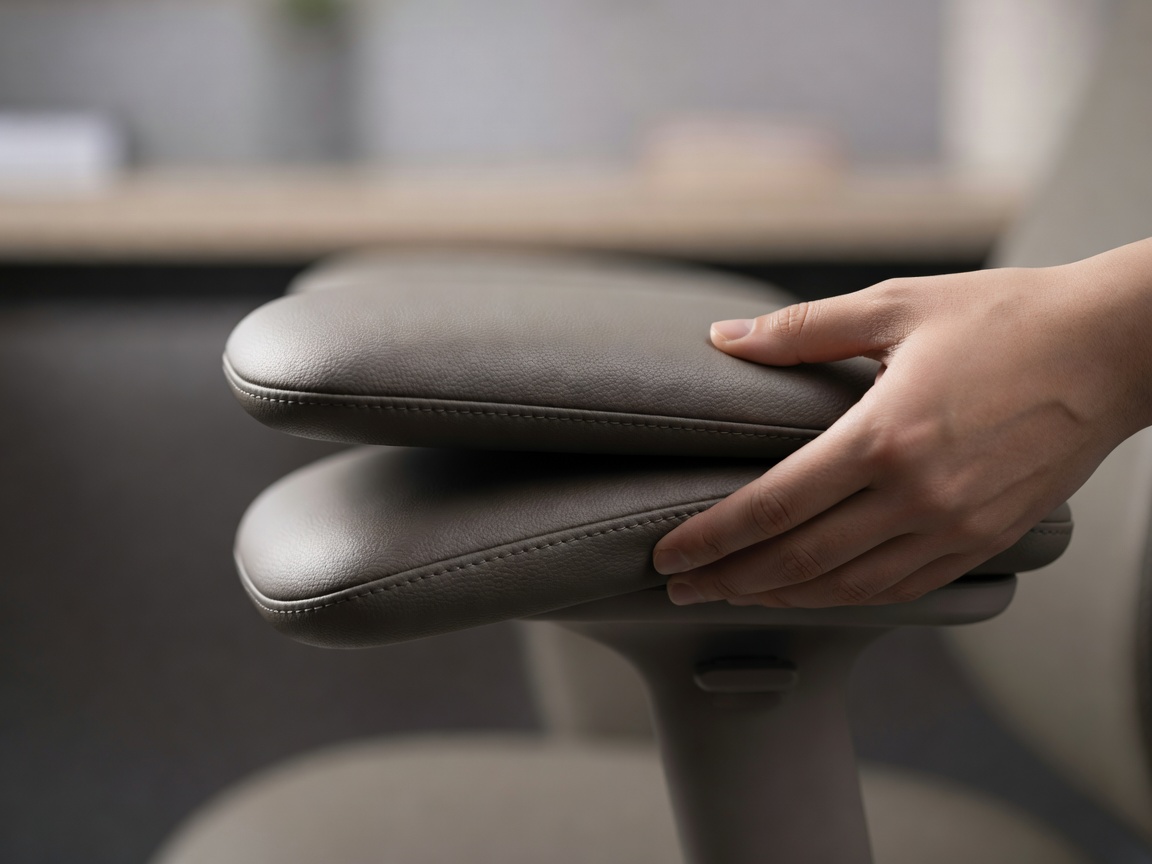
- Armrests. Set them so shoulders stay relaxed and elbows sit near 90 degrees, level with the desk surface.
- Recline. Unlock it. Leaning back slightly, around 100–110 degrees, reduces pressure on the spine compared with sitting bolt upright.
If your feet cannot reach the floor once your elbows meet the desk, the desk is too high for you — add a footrest or, better, lower the desk. Our standing desk guide covers height ranges in detail.
Where to save and where to spend
If budget forces a compromise, prioritise adjustability over materials. A plain fabric chair with seat depth and adjustable lumbar will serve you better than a leather executive chair with a fixed back. Refurbished premium chairs from office clearance dealers are often the best value of all: a used Leap or Aeron with a fresh cylinder can cost less than a new mid-range chair and outlast it.
Be wary of racing-style gaming chairs marketed as ergonomic. Their bucket seats and fixed side bolsters restrict movement, and many lack seat depth adjustment. They suit some people, which is why one appears in our list, but they are rarely the best choice for eight-hour workdays.
Finally, test the return policy. Comfort reveals itself over weeks, not minutes, and the best retailers allow 30 days or more. Pair your new chair with the setup advice in our layouts guide.