Start with the window, not the furniture
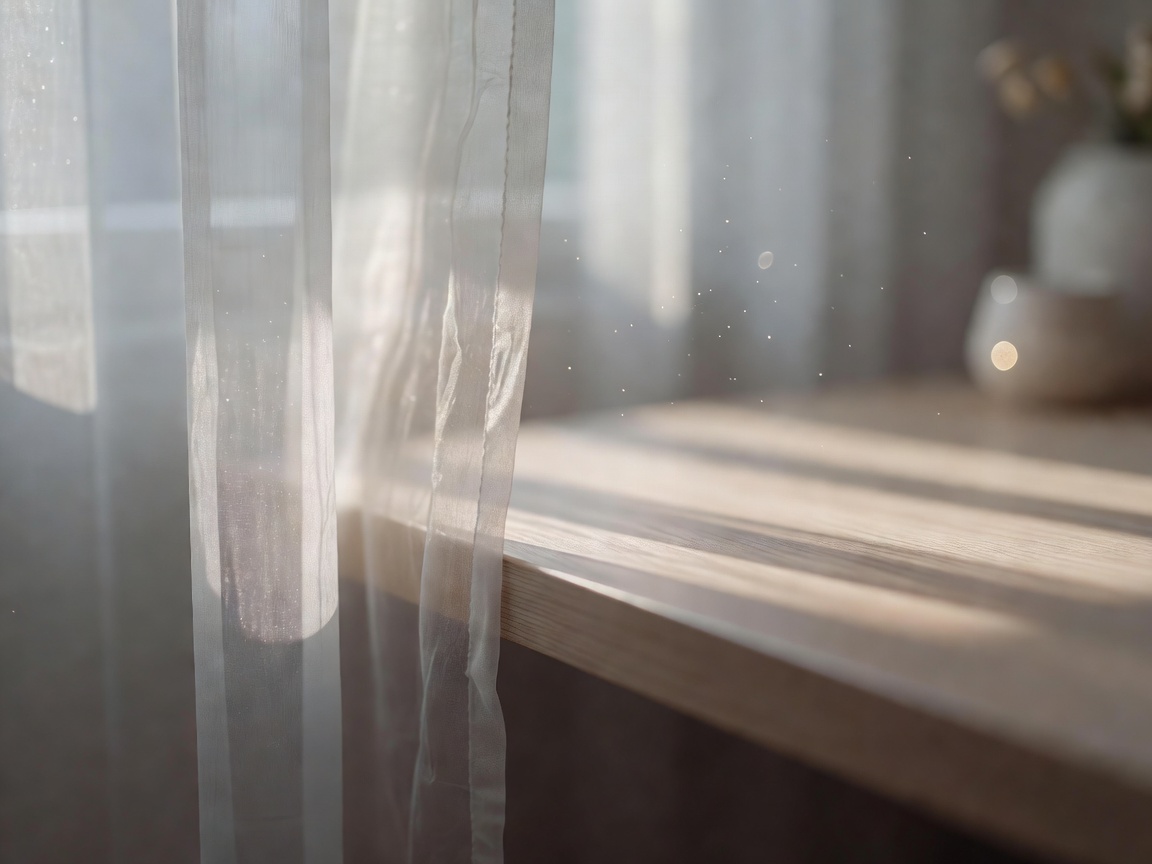
Natural light is the best light you have, but it is also the biggest source of glare. The most reliable rule: place the desk so the window sits to your side, with the screen at right angles to the glass. Facing the window puts bright light behind the screen and strains the eyes; sitting with your back to it throws reflections onto the display and silhouettes you on video calls.
If the room only allows one orientation, use blinds or a sheer curtain to soften direct sun. Keep at least 90–100 cm of clear space behind the desk so you can push the chair back and stand up without hitting a wall or bed.
Layer your lighting
European workplace lighting standard EN 12464-1 suggests around 500 lux for writing, typing and reading tasks — brighter than most living rooms. You rarely reach that with a single ceiling bulb. Combine ambient light from the ceiling or a floor lamp with task light at the desk, and position the task light on the opposite side from your writing hand to avoid shadows.
Choose warmer light (around 2700–3000 K) for evenings and neutral light (about 4000 K) for daytime focus. A monitor light bar, covered in our accessories guide, lights the desk without bouncing off the screen.
Four layouts for awkward spaces
The alcove desk
A shallow desk (60 cm deep) fitted into a chimney-breast alcove. Use a monitor arm to recover depth and wall shelves for storage.
The bedroom corner
Turn the desk to face a side wall so the bed is out of view on calls. A folding screen separates work from rest at the end of the day.
The shared table
For dining-table setups, keep a box with laptop riser, keyboard, mouse and cushion so you can set up and pack away in two minutes.
The L-shaped corner
Ideal for dual monitors or separate writing and computer zones. Keep the main screen square to the chair, not in the corner itself.
Where to spend, in the right order
| Tier | Approx. spend | Buy in this order |
|---|---|---|
| Starter | Under £150 | Laptop riser, external keyboard and mouse, lumbar cushion, footrest if needed |
| Core | £500–£900 | Adjustable chair with seat depth, 24–27" monitor with arm, task light |
| Complete | £1,500+ | Premium or refurbished chair, dual-motor standing desk, cable tray, acoustic treatment |
Within each tier, fix whatever causes discomfort first. If your neck hurts, start with the screen; if your back aches, start with the chair from our chair rankings.

Free upgrades and your employer's duties
Some of the best improvements cost nothing. Raise a laptop on a stack of books, roll a towel for lumbar support, follow the 20-20-20 habit for your eyes — every 20 minutes, look at something 20 feet away for 20 seconds — and stand during phone calls.
If you are employed in Great Britain and work from home regularly, the Health and Safety (Display Screen Equipment) Regulations 1992 still apply. Your employer should carry out a workstation assessment and, where needed, provide suitable equipment. Many people never ask; it is worth doing before you spend your own money.
Finally, acoustics matter for focus and video calls. A rug, curtains and a full bookshelf absorb echo better than expensive foam panels in most rooms.